
· Luke Faragher · Call Recording · 6 min read
AI call transcription for business: what it does and how to get it
AI call transcription turns calls into searchable text, summaries and insights. What it's useful for, and why capture quality decides everything.
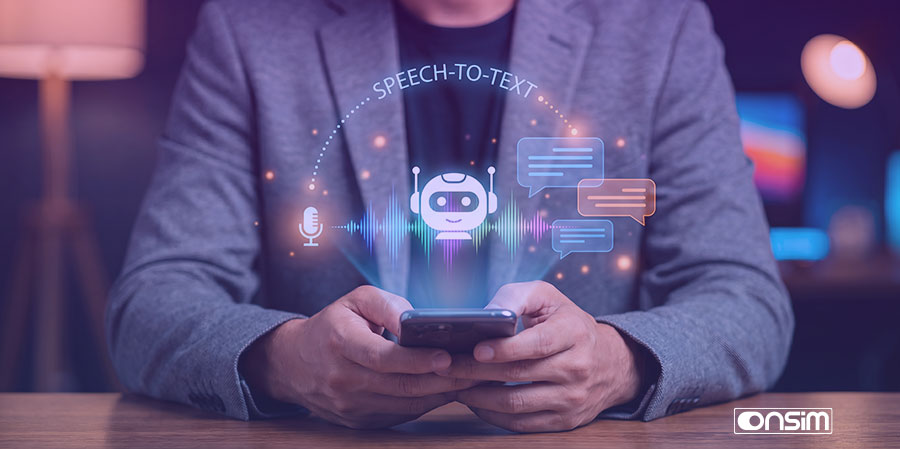
AI call transcription converts your recorded business calls into text automatically, and the good implementations go much further: searchable archives, automatic summaries, sentiment analysis. The catch nobody leads with is that transcription is only as good as the recording underneath it, which is why where your calls get captured matters more than which AI reads them. Here’s the whole picture, including how we’ve built this into ONSIM.
What does AI call transcription actually do?
At the base layer, it turns call audio into timestamped, speaker-separated text. That alone kills a lot of drudgery, no more scrubbing through a 40-minute recording to find one sentence.
But transcription is really the foundation for three more useful layers:
- Search. Once calls are text, they’re searchable. The better systems use semantic search, you ask for “calls where someone complained about delivery” and get matches by meaning, even if nobody used the word “complained”.
- Summarisation. AI-generated call summaries, key decisions and action points, so a 40-minute call becomes a six-line note without anyone writing it.
- Sentiment and signals. Flagging frustrated customers, positive sales calls, risky conversations, so you know which calls to actually listen to.
The shift is from storing calls to using them. Most businesses already sit on the data they need, it’s just locked inside audio files nobody has time to play.
What is call transcription genuinely useful for?
Four use cases come up constantly with our customers:
Coaching and training. Reading five transcripts takes minutes; listening to five calls takes an hour. Managers can review what was actually said on sales and support calls, pull out real examples for training, and spot patterns, the objection that keeps landing, the explanation that keeps confusing people, across the whole team rather than a lucky sample.
Dispute resolution. “You said the price included delivery.” Did you? With searchable transcripts you find the exact exchange in seconds, jump to that moment in the audio, and settle it with evidence rather than memory. This is the single most common reason small businesses tell us they wanted call recording in the first place, transcription just makes the evidence findable.
Compliance. Regulated firms don’t just have to record calls, they have to be able to find things in them. Searching every call for a topic beats sampling a handful of recordings, and a transcript synced to audio gives compliance teams a fast path from question to evidence. (The recording obligation itself is covered in our legal guide and compliance recording pages.)
Plain recall. What did that customer ask for in March? Which calls mentioned the new pricing? Founders and small teams use this constantly, it’s organisational memory without anyone taking notes.
Why does capture quality decide everything?
Here’s the part transcription vendors skip: the AI can only transcribe the audio you give it, and how you capture calls sets a hard ceiling on quality.
App-based capture inherits every problem of app-based recording. On iPhone, apps can’t access call audio directly, so recordings go through conference-bridge workarounds; on Android, capture varies wildly by manufacturer and a classic failure mode is one-sided audio, your voice crisp, the customer faint or missing. I’ve written up the platform mess in detail for iPhone and Android. Feed a transcription engine muffled, one-sided or bridge-degraded audio and you get transcripts to match. And if the user forgets to start the recording, there’s nothing to transcribe at all. Meeting-app transcribers (the kind that join your video calls) are fine for scheduled meetings but do nothing for the phone calls where most business actually happens, and nothing captures a call that happened on WhatsApp.
Network-level capture records the call on the mobile network itself, both sides, clean call audio, every call automatically. No app, nothing to remember, nothing an OS update can break. Better raw material in, better transcripts out, and crucially, complete coverage: the searchable archive contains every call, not just the ones someone remembered to record.
If you’re going to pay for AI on top of your calls, this is the order to get right: capture first, intelligence second.
How does ONSIM AI Insights work?
This is the part I’m biased about, so I’ll keep it factual. ONSIM is a UK business mobile network with network-level call and SMS recording built in. AI Insights is our optional add-on that turns those recordings into usable data, and because we’re the network, it happens natively, no VoIP system, no apps, no integrations.
With AI Insights enabled:
- Every call is transcribed automatically, and SMS conversations are captured alongside, so voice and text are searchable together
- Search works in natural language. Ask for “calls yesterday where David mentioned pricing” or “cancellation requests last week” and it finds them by meaning, true semantic search over vectorised conversations, not keyword matching
- Transcripts and audio stay in sync. Click any sentence in a transcript and playback jumps to that exact moment, no scrubbing
- Everything lands in your SFTP feed too, recordings, metadata, transcripts and timestamps, so you can pipe it into BI tools, compliance archives or your own AI pipelines with zero integration work
- Summaries, action-point emails and sentiment search are on the roadmap we set out at launch
Two things worth stating plainly. First, AI Insights is optional and off by default, we don’t record or process anyone’s calls unless the account holder enables it. Second, it’s a paid add-on to ONSIM service, not a standalone app you can point at another network’s calls, the whole point is that capture and intelligence live in the same place.
The full detail, including screenshots and demo videos of the search and synced playback, is in the AI Insights launch post.
What should you check before buying call transcription?
Whoever you buy from, these questions sort the useful from the shelfware:
- Where is the call captured? Network-level, device app, or meeting bot? This decides coverage and audio quality before any AI runs.
- Does it cover both calls and SMS? Customer conversations rarely live in one channel.
- Is search semantic or keyword-only? Keyword search misses every paraphrase.
- Can you jump from transcript to audio? Transcripts have errors; the recording is the record.
- Can you get the data out? Transcripts locked in a vendor’s portal are worth much less than transcripts flowing to your own storage or archive.
- What’s the legal footing? Transcripts are personal data under UK GDPR, same as recordings. You need the recording basics right first, our UK call recording law guide covers them.
Where to start
If your calls aren’t recorded yet, start there, How to record business mobile calls compares the options honestly. If they are, or you want recording and AI in one step, AI Insights is available as an add-on across ONSIM services, and enterprise deployments (compliance retention, archive integration, larger teams) are scoped through our sales team.
Request a quote or call +44 333 880 4008, and see the AI Insights launch post for the feature in action.