

Landline eSIM guide
Landline eSIM on Android
Run a UK landline number (01, 02, 03 or 08) on your Samsung Galaxy or Google Pixel as a second line, alongside your personal mobile number. Business calls carry their own SIM name and colour, missed calls sit in your normal call log, and when you call back the person sees your landline number.
From £10/user/month + VAT. No setup fee, monthly rolling, cancel anytime.
Which Android phones work
Samsung Galaxy S20 or newer (including Note 20 and the Z Flip and Z Fold series) and Google Pixel 3 or newer. Each of these runs two lines at once. For other handsets, check the supported devices page before ordering: eSIM on the phone doesn't on its own guarantee compatibility with the ONSIM network. Not sure whether your phone has eSIM? Use the free eSIM compatibility checker.

Setting up: five minutes
Menus vary slightly by make and Android version. The two most common:
Samsung Galaxy
Settings, then Connections, then SIM manager, then Add eSIM, and scan the QR code from your ONSIM email.
Google Pixel
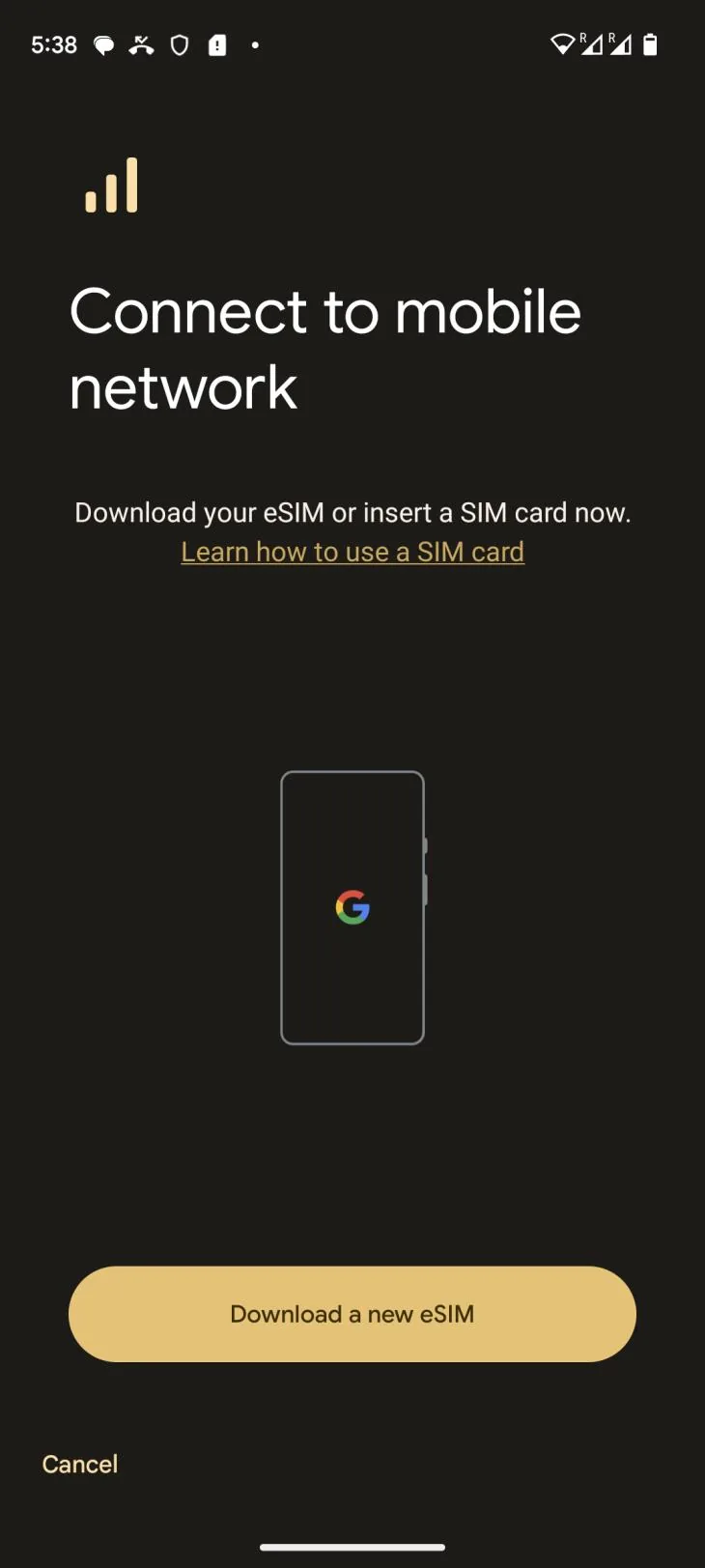
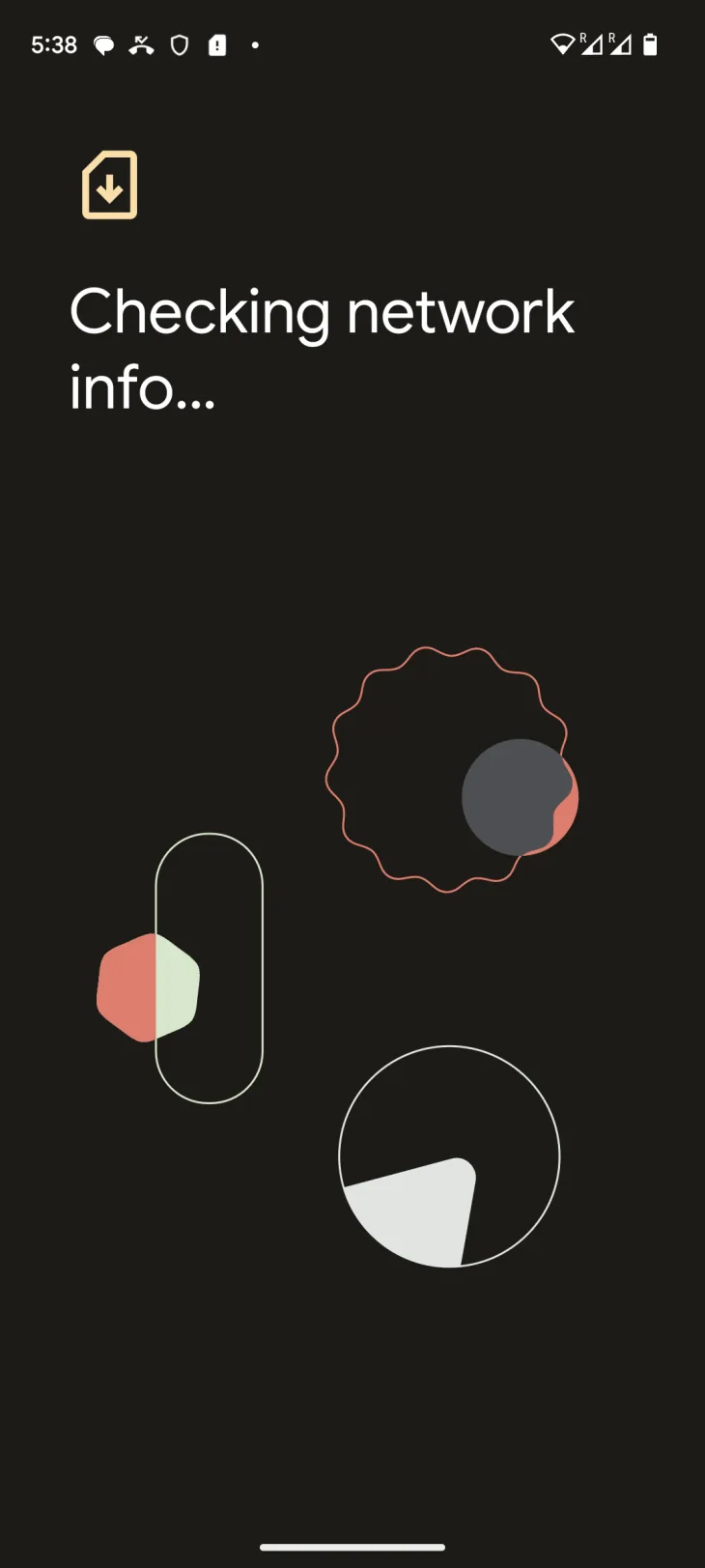
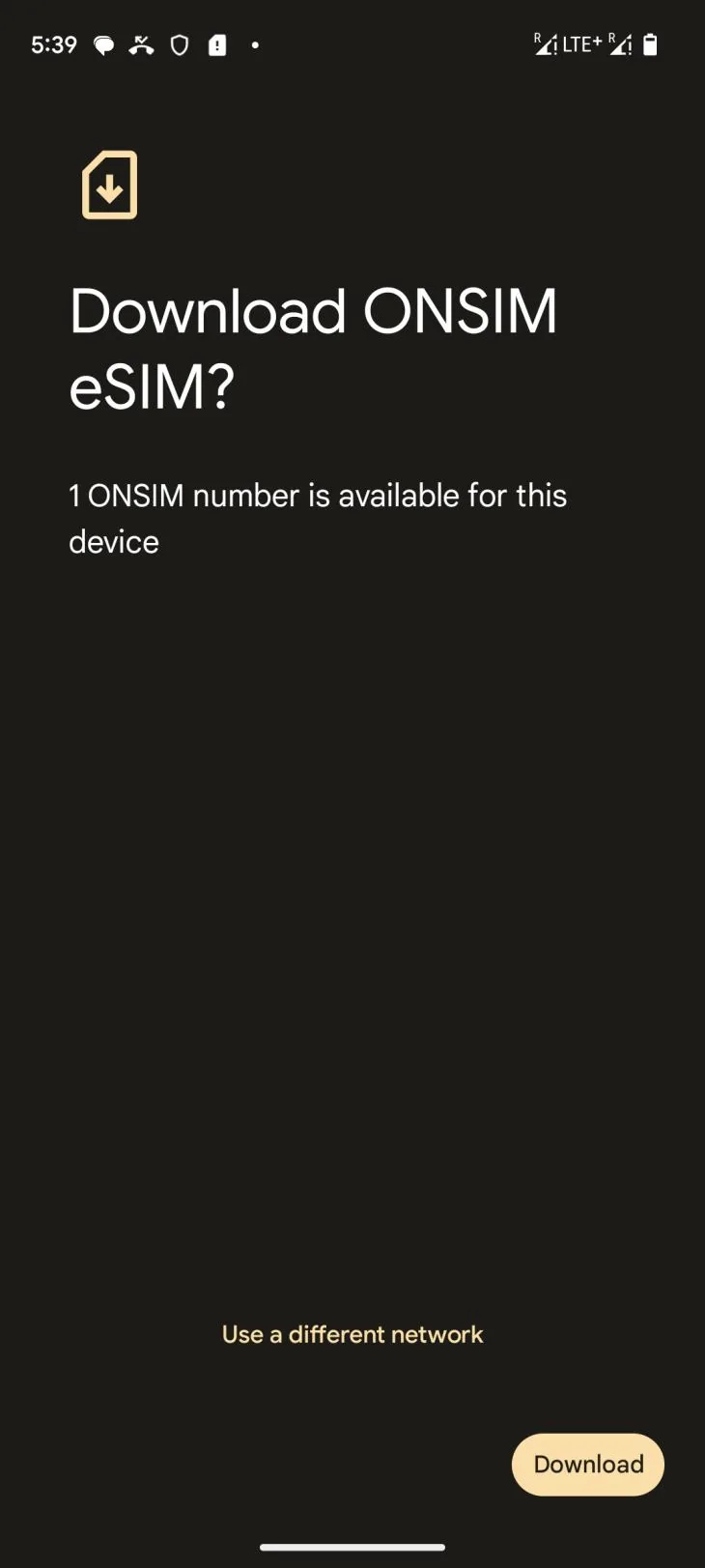
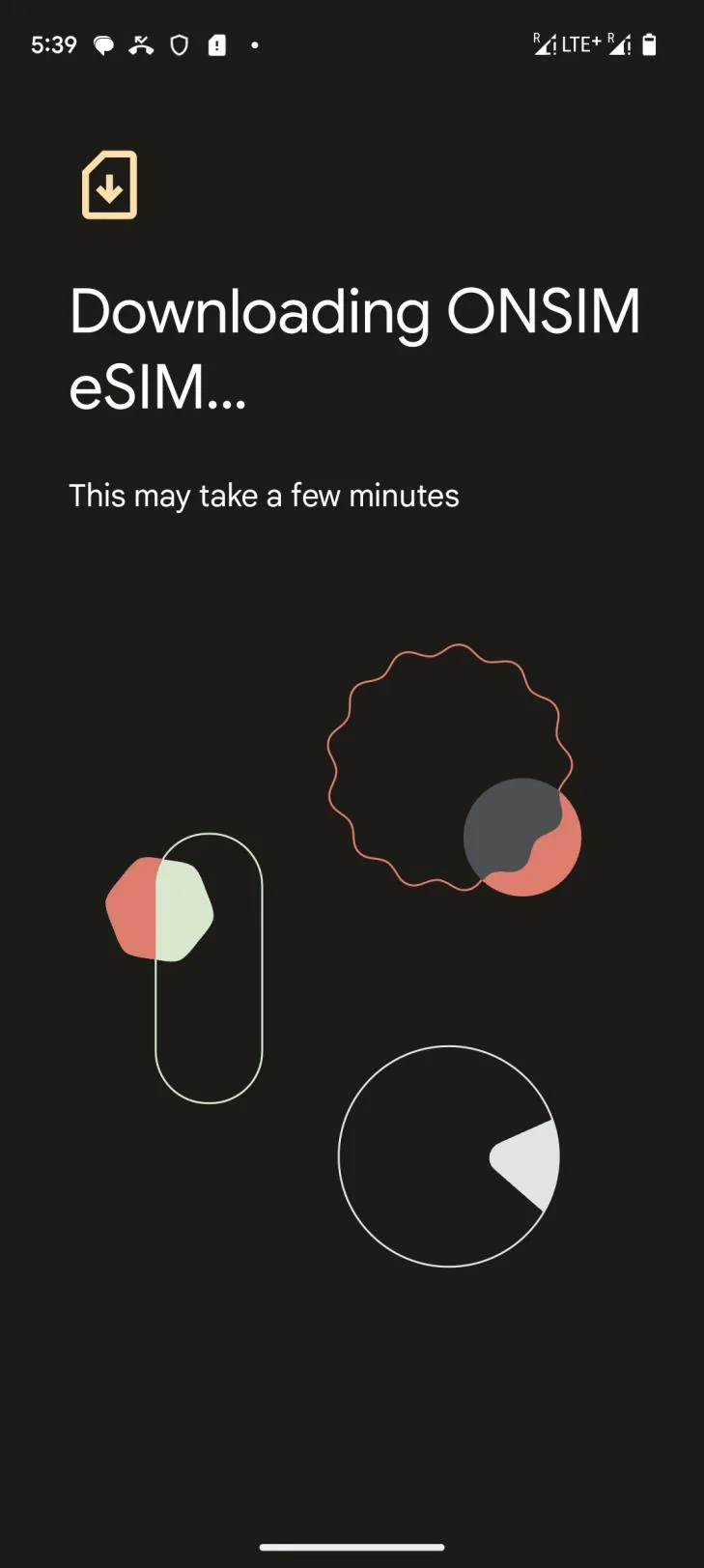
Settings, then Network & internet, then SIMs, then Add SIM (or the + button), then Download a new eSIM. Scan the QR code from your ONSIM email when prompted; the phone then downloads the ONSIM eSIM, which can take a few minutes.
Once added:
- Name the SIM. Android lets you rename each SIM and give it a colour. Call it "Business" or "020 Line" and pick a colour you'll recognise; that name and colour appear on incoming calls and in the call log.
- Choose your preferred SIM for calls. Ask every time is the safest if you switch lines often; otherwise set your personal SIM as default and pick the business SIM when needed.
- Done. Your landline number is live and your personal number carries on exactly as before.
The Pixel download flow:
Incoming business calls
When someone calls your landline number, your phone rings normally and the incoming call screen shows the name and colour of the SIM the call is arriving on. You know it's a business call before you answer.
Missed calls and call history
Missed business calls appear in the phone's normal call log (the Phone app's Recents tab), in the same list as your personal calls. Each entry shows the SIM name or colour icon of the line it came in on, so a missed business call is easy to tell from a missed personal one. No separate app, no second call log.
Calling back from your landline number
Tap a missed call in the call log and the phone calls back on the SIM that received the call. A missed call to your 020 number is returned from your 020 number, and the person you're calling sees your landline number, not your personal mobile.
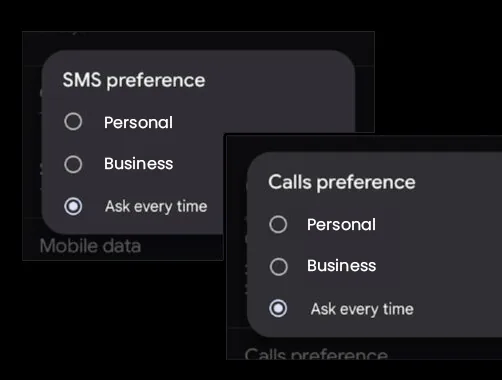
To dial a new number from the business line, either choose it when the phone asks, or use the SIM selector shown on the dialler before you place the call. In SIM settings, Calls preference and SMS preference each offer Personal, Business or Ask every time. Samsung and Pixel both let you save a line preference contact by contact if you always call certain people from the business line.
Outbound calls from the ONSIM line always display your landline number. Calls from your personal line always display your personal number.
Voicemail
Your landline number has its own voicemail mailbox, separate from your personal number's voicemail. You can record your own greeting for it.
By default ONSIM emails each voicemail to you as an audio recording, so you can listen on your phone, your laptop or anywhere else without dialling in. You can also dial in from your handset to listen to messages and manage your greeting.
You don't need the Phone app's own voicemail screen for the business line: ONSIM voicemails arrive by email, and dial-in is there when you want it.
WhatsApp Business on your landline number
You can register your ONSIM landline number with WhatsApp Business and run it on the same phone as your personal WhatsApp.
- Install WhatsApp Business from Google Play. It runs alongside personal WhatsApp, each on its own number.
- When asked for your number, type your landline number yourself (after +44, without the leading zero). Don't accept a number the app detects from the SIM: that may be the SIM's underlying mobile number rather than your landline.
- Choose verification by phone call, not SMS. UK landline numbers don't reliably receive SMS.
- The verification call rings on your business line. An automated voice reads a six digit code; type it in and you're registered.
ONSIM uses WhatsApp Business too
Our own number, 0333 880 4008, is registered, using the steps above. Message us and see for yourself.
One number can only be on one WhatsApp account at a time. WhatsApp and its business policies are Meta's; ONSIM provides the number and the voice-call verification path. Full guide: WhatsApp Business number.
SMS from the business line (worth knowing)
SMS is sent and received from the SIM's underlying mobile number, not your landline number. UK landline numbers don't reliably support SMS across mobile networks. Voice calls always show the landline number. Marketing or bulk SMS isn't permitted.
Price
£10/user/month + VAT for unlimited UK calls and SMS (fair use 5,000 minutes and 1,000 SMS a month). Optional data: 2GB +£2, 4GB +£4, 10GB +£6, 20GB +£8, 40GB +£10. No setup fee. Monthly rolling, cancel anytime. Port-in of an existing landline number is included.
Frequently asked questions
Running a business landline number alongside your personal number on a Samsung Galaxy or Google Pixel.
Can I run my personal number and the ONSIM landline number on one Android phone?
Yes, on Samsung Galaxy S20 and later and Google Pixel 3 and later, which run two lines at once. Your personal number stays on its existing SIM or eSIM; the ONSIM landline number is added as a second eSIM. For other handsets, check the supported devices page before ordering.
How do I know an incoming call is a business call?
The incoming call screen shows the name and colour you gave the ONSIM SIM, such as "Business".
Do missed business calls show in my normal call log?
Yes, in the Phone app's call log, in the same list as your personal calls, each marked with the SIM name or colour icon.
If I call back a missed business call, which number does the other person see?
Your landline number. Samsung and Pixel phones return a call on the SIM it came in on, so a missed call to your 020 number is returned from your 020 number.
Does the business number have its own voicemail?
Yes. Each ONSIM landline number has its own voicemail mailbox with its own greeting, separate from your personal number's voicemail. By default we email each voicemail to you as an audio recording. You can also dial in to listen to messages and manage your greeting.
Can I use the landline number with WhatsApp Business on the same phone?
Yes. Install WhatsApp Business from Google Play alongside your personal WhatsApp, enter your ONSIM landline number and choose verification by phone call rather than SMS. The call rings on your business line and reads out the code. See the WhatsApp Business number guide.
How do I know WhatsApp Business registration actually works on an ONSIM number?
ONSIM's own number, 0333 880 4008, is registered on WhatsApp Business. Open wa.me/443338804008 and you'll see the ONSIM business profile; that is the same registration path described on this page.
Is there a setup fee or minimum contract?
No setup fee. Monthly rolling, cancel anytime. £10/user/month + VAT for unlimited UK calls and SMS (fair use 5,000 minutes and 1,000 SMS a month).
Does it need an app or Wi-Fi?
No. Calls run over the mobile network through the phone's normal Phone app, with no app to install and no VoIP.
Can I send SMS from the landline number?
SMS is sent and received from the SIM's underlying mobile number, not the landline number. UK landline numbers don't reliably support SMS across mobile networks. Voice calls always show the landline number. Marketing or bulk SMS isn't permitted.